Return Rippled Customizer values to their defaults when you need a clean configuration.
Appearance → Customize → Reset Theme Settings
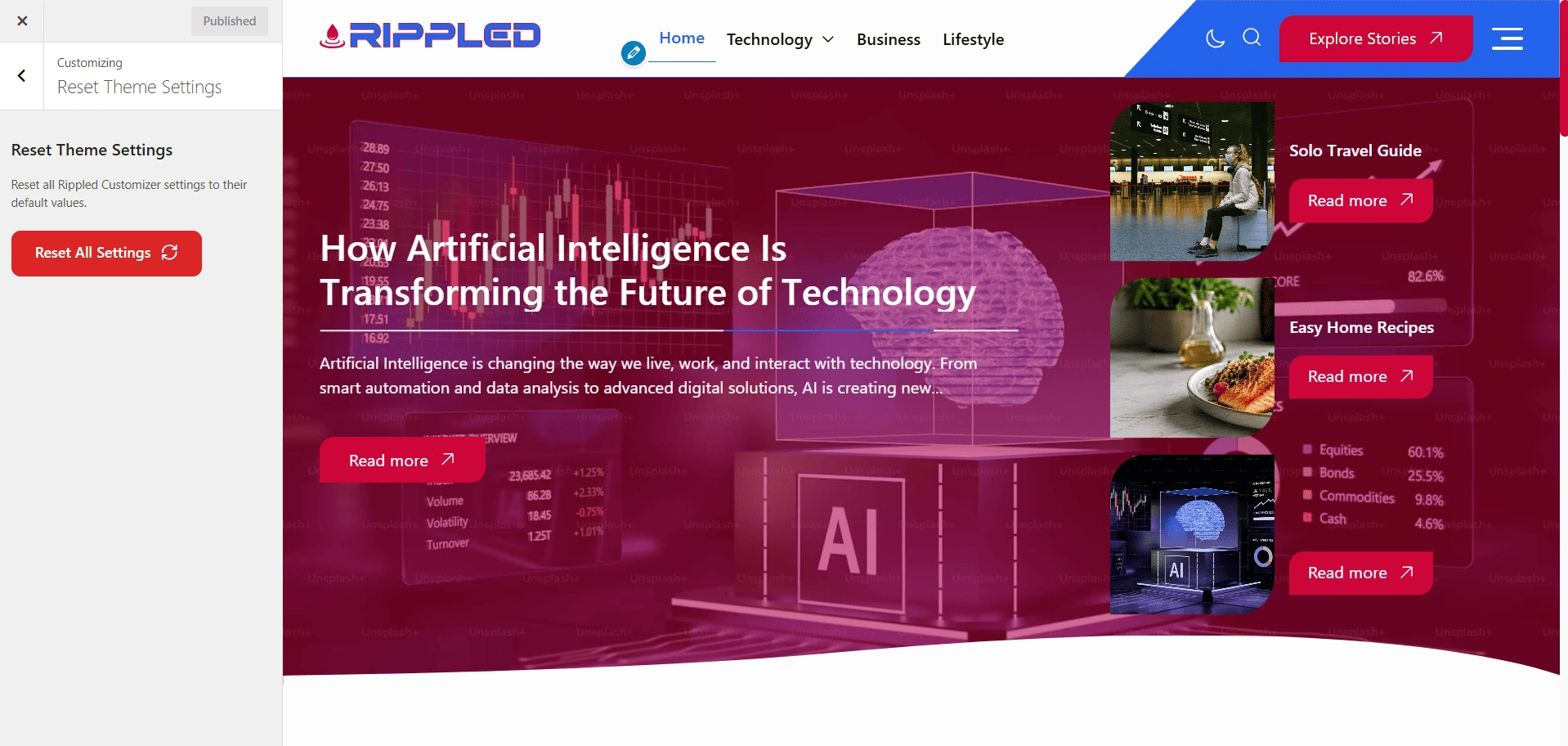
Before resetting
- Create a Backup — Record important colors, typography values, layout choices, and Additional Content.
- Confirm the Scope — Read the confirmation message to understand which theme settings will be removed.
- Reset and Publish — Complete the reset, review the preview, and publish only when the result is correct.
Note
Resetting is destructive and may not be reversible. Do not use it as a routine troubleshooting step.