Add blocks or legacy widgets to the sidebars used by pages, archives, and posts.
Appearance → Customize → Widgets
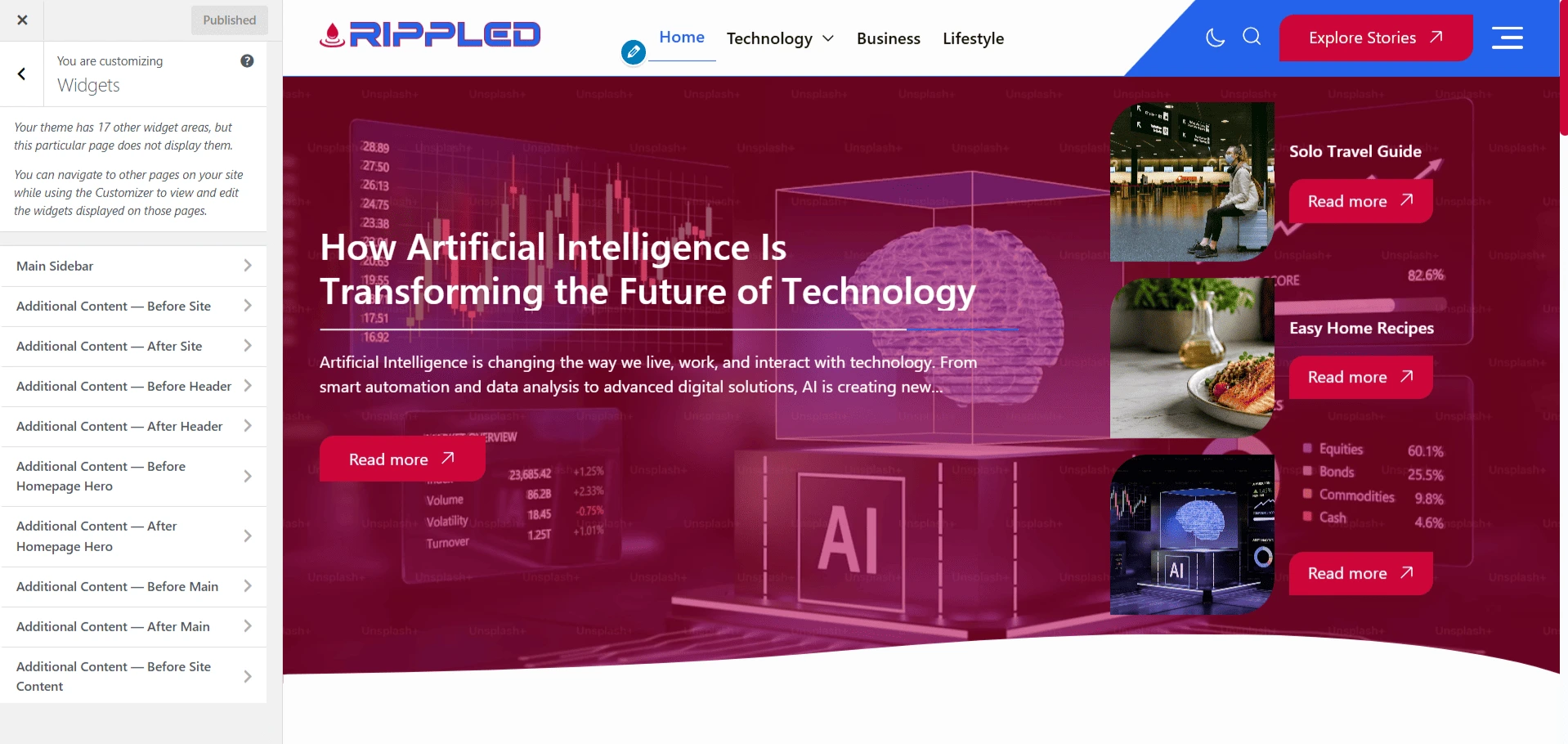
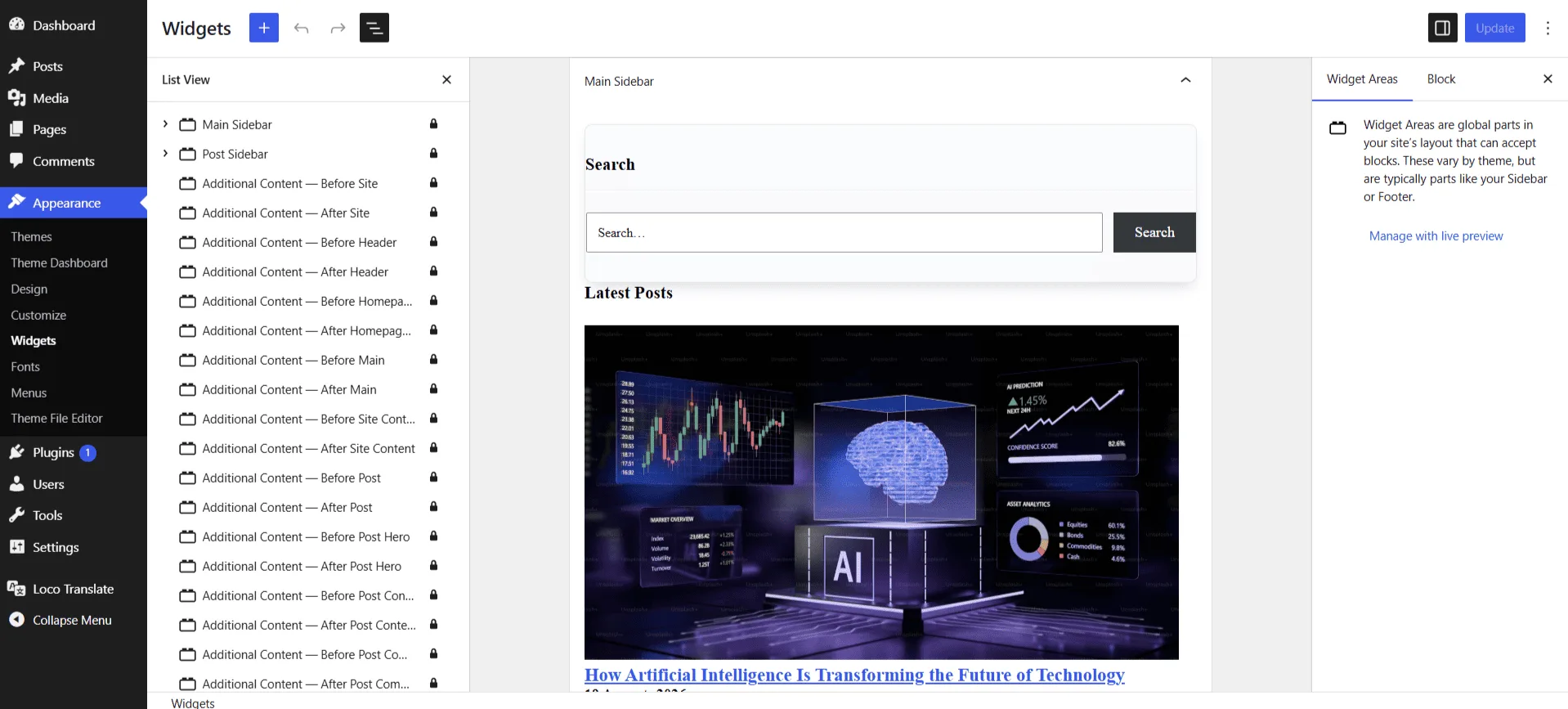
Widget areas
- Main Sidebar — Default widget area used outside single-post templates.
- Post Sidebar — Widget area dedicated to single posts.
Add widgets
- Open the required widget area Choose Main Sidebar or Post Sidebar.
- Add blocks or widgets Examples include Search, Categories, Recent Posts, Archives, and Custom HTML.
- Arrange and publish Drag items into the intended order and check the selected sidebar layout.
Note
A sidebar layout can appear empty until blocks or widgets have been added to the selected widget area.