Style category, tag, author, date, and other archive pages independently from the homepage.
Appearance → Customize → Archive Settings
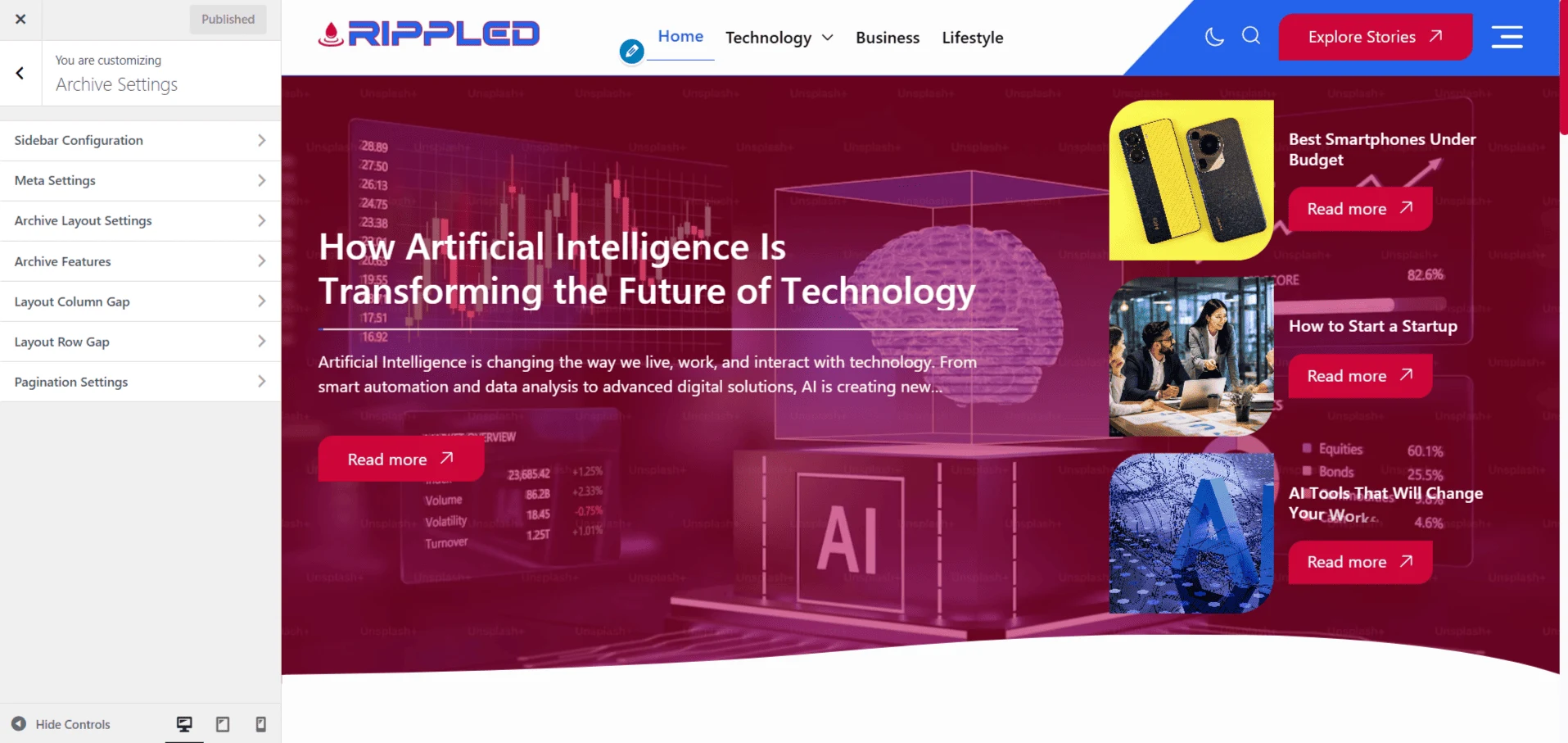
Layout and content
- Sidebar and Meta — Choose sidebar alignment and the post metadata shown on archive cards.
- Layout Type — Select one of the archive card arrangements.
- Image Ratio — Apply a consistent featured-image aspect ratio.
Card appearance
- Effects — Enable fade-in, image overlay, and image zoom.
- Borders and Shadows — Set border style, width, light/dark colors, and shadows.
- Shape and Radius — Use rounded cards, a custom clip path, or no shape.
- Typography and Spacing — Control responsive title sizes, line limits, column gaps, and row gaps.
Pagination
- Pagination Type — Numbered pagination, Load More, or Infinite Scroll.
- Style and Radius — Choose the numbered-pagination design and button rounding.
- Posts Per Page — Set how many archive posts are requested at once.
Note
Archive settings do not replace the separate Latest Posts controls under Front Page Settings.